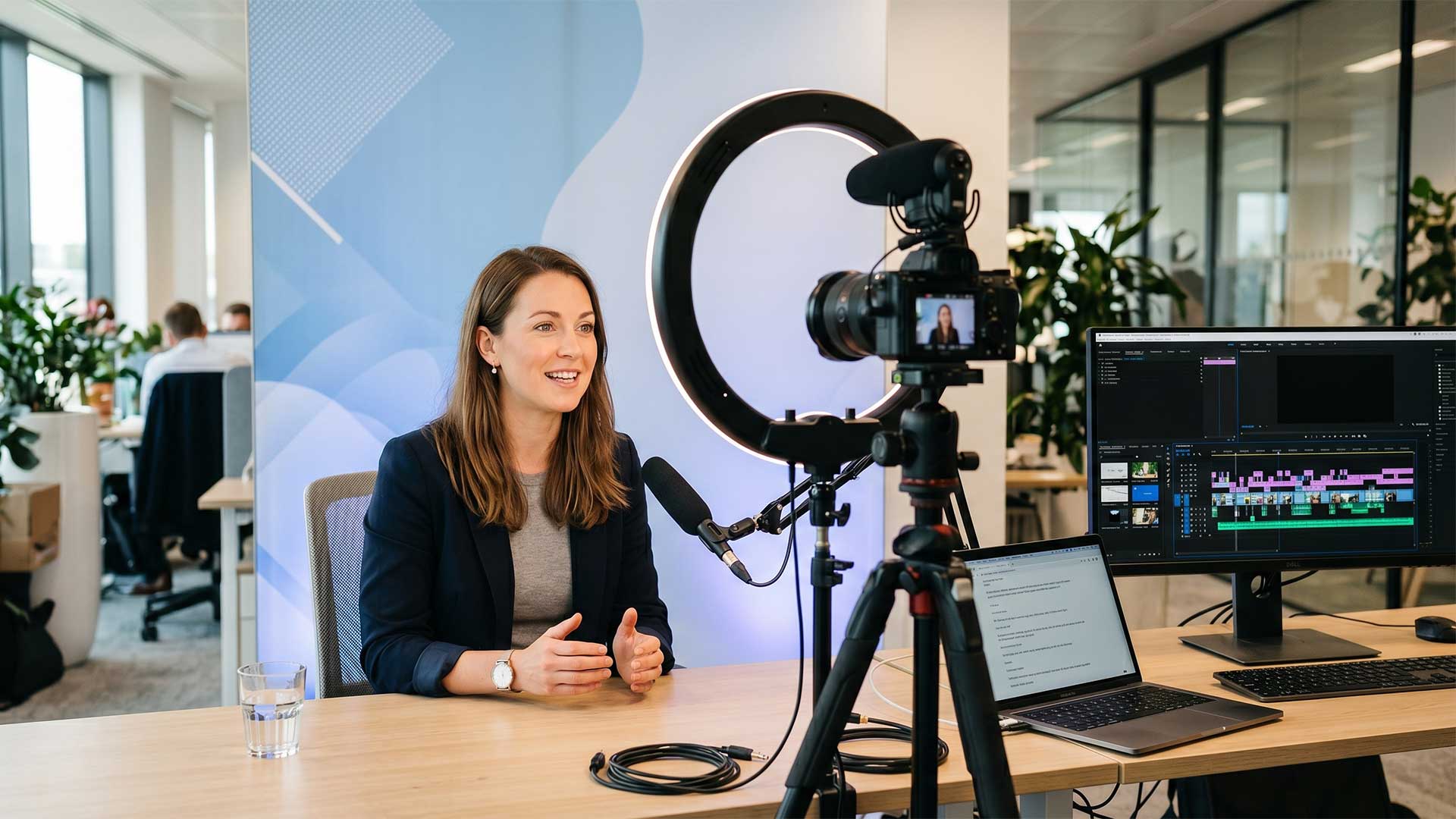
Video is the most overused and underused modality in corporate training simultaneously. Overused when organizations record a subject matter expert talking for 45 minutes and call it a training module. Underused when the right video — a two-minute demonstration, a branching scenario with real actors, a just-in-time performance support clip — would teach more effectively than any other format but gets skipped because ‘video is expensive.’
The truth is that video ranges from free to $50,000 per minute depending on what you’re building. A screen recording with voiceover costs almost nothing. A branching video scenario with professional actors, multiple camera angles, and post-production costs as much as a short film. Most effective training video falls somewhere in between — and the design decision isn’t whether to use video. It’s which type of video serves the learning objective.
When video is the right choice
Video excels at four things that other modalities handle poorly.
Demonstrating physical procedures. How to operate equipment, perform a clinical procedure, assemble a product, or execute a safety protocol. Text and diagrams describe what to do. Video shows what it looks like when done correctly. For any training where the learner needs to replicate a physical action, video is the most efficient path from instruction to comprehension.
Modeling interpersonal interactions. A difficult conversation, a sales call, a patient interaction, a customer complaint. Reading a script of a well-handled conversation teaches the words. Video shows the tone, the body language, the pacing, the moment where the conversation shifts. For soft skills training, video provides context that text cannot.
Storytelling and emotional engagement. When the training needs to create empathy, urgency, or emotional connection — safety training that shows consequences, DEI training that illustrates impact, change management that humanizes the transition — video reaches people at an emotional level that slides and bullet points never will.
Just-in-time performance support. A 90-second video showing how to process a return, reset a password, or calibrate an instrument is more useful than a 10-page manual when someone needs the answer now. These micro-videos live outside the LMS — in a searchable library, embedded in a knowledge base, or accessible via QR code on the equipment itself.
When video is the wrong choice
Video is passive by default. The learner watches. Unless the design builds in interaction — pause points, decision prompts, branching paths — video produces the illusion of learning without the practice that creates it.
Don’t use video for content that requires active practice. A compliance scenario where the learner needs to make a decision is better as an interactive branching module than a video showing someone else making the decision. Watching someone do the right thing doesn’t build the judgment to do it yourself.
Don’t use video for content that changes frequently. If your product updates quarterly, a polished video walkthrough becomes outdated within months. Screen recordings with voiceover are cheaper to update. Interactive simulations can be modified without reshooting.
Don’t use video as a substitute for instructional design. A recorded lecture is not training. A talking head reading slides is not engaging because it’s on video — it’s still a talking head reading slides. Video amplifies good design and bad design equally.
The five types of training video and what each costs
Talking head or expert interview. The SME speaks to camera about their topic. Lowest production cost — $500 to $2,000 per finished minute with basic lighting, audio, and editing. Best for thought leadership, introductions, and motivational content. Worst for anything requiring the learner to practice or apply.
Screen recording with voiceover. Captures a software interface with narrated walkthrough. Cost: $200 to $800 per finished minute. Best for system training, tool demonstrations, and process walkthroughs. Can be produced in-house with tools like Camtasia or Loom.
Demonstration or procedural video. Shows a physical process being performed correctly. Cost: $1,500 to $5,000 per finished minute depending on location, equipment, and talent. Best for manufacturing procedures, clinical techniques, equipment operation, and safety protocols.
Scenario-based video. Actors perform a realistic workplace situation with defined learning moments. Cost: $3,000 to $10,000 per finished minute depending on cast, locations, and production quality. Best for customer interactions, leadership situations, compliance scenarios, and sales conversations.
Interactive branching video. The scenario pauses at decision points and the learner chooses how to proceed, with each choice leading to a different video path. Cost: $8,000 to $20,000 per finished minute because every branch requires separate footage. Best for high-stakes situations where decision-making practice is critical. This is the most effective video format for behavior change — and the most expensive.
Making video interactive
The gap between passive video and effective video training is interactivity. Three techniques transform watching into learning.
Embedded questions pause the video and ask the learner to predict, decide, or reflect before seeing what happens next. A customer service video pauses after the customer states their complaint and asks: ‘What would you say next?’ The learner commits to an answer before seeing the model response. This mental engagement dramatically improves retention compared to passive viewing.
Branching paths let the learner’s choices determine the storyline. A sales conversation video where choosing an aggressive approach leads to the prospect shutting down, while choosing a consultative approach leads to deeper engagement. Each path takes two to three minutes. The total experience is five to six minutes. But the learner has practiced making a decision and experiencing its consequence.
Companion activities pair the video with a hands-on task. Watch a two-minute demonstration, then perform the procedure in a simulation or sandbox. Watch a scenario, then complete a reflection exercise. The video provides the model. The activity provides the practice.
Production quality versus instructional quality
Organizations consistently overinvest in production quality and underinvest in instructional quality. A $50,000 video that looks cinematic but doesn’t include any practice or assessment is less effective than a $5,000 video with good audio, clear content, and embedded interaction.
Good audio is non-negotiable. Learners will tolerate imperfect visuals but won’t tolerate bad audio. Invest in a decent microphone and quiet recording environment before investing in cameras and lighting.
Keep videos short. Two to five minutes per segment for instructional content. Seven to ten minutes maximum for scenarios. If your video is 20 minutes long, it’s a lecture, not a training module. Break it into segments with activities between them.
Script everything. Unscripted SME recordings produce content that’s twice as long as it needs to be, wanders off topic, and requires expensive editing to become usable. A tight script reviewed by an instructional designer before recording saves money in production and produces better learning outcomes.
Accessibility requirements
All training video must be accessible. Captions are required for learners who are deaf or hard of hearing — and they also benefit learners watching in noisy environments or without headphones. Audio descriptions are required for visual content that isn’t described in the narration. Transcripts should be available as an alternative format.
Auto-generated captions are a starting point, not a finished product. Review and correct them before publishing. Incorrect captions are worse than no captions — they create confusion and signal that accessibility is an afterthought.
Measuring video effectiveness
View completion rate tells you whether people watch the whole thing. If 60% drop off in the first two minutes, the video is too long, too slow, or not relevant.
Interaction completion rate tells you whether people engage with embedded questions and branching points. High view rate with low interaction rate means the interaction design needs work.
Post-video assessment performance tells you whether the video taught anything. Compare assessment scores for learners who watched the video versus those who didn’t — or compare pre-video and post-video knowledge checks.
On-the-job application is the ultimate measure. If the video teaches a procedure, are people performing it correctly? If it models a conversation, are people having better conversations? Video that looks professional but doesn’t change behavior isn’t training. It’s content.